Guides
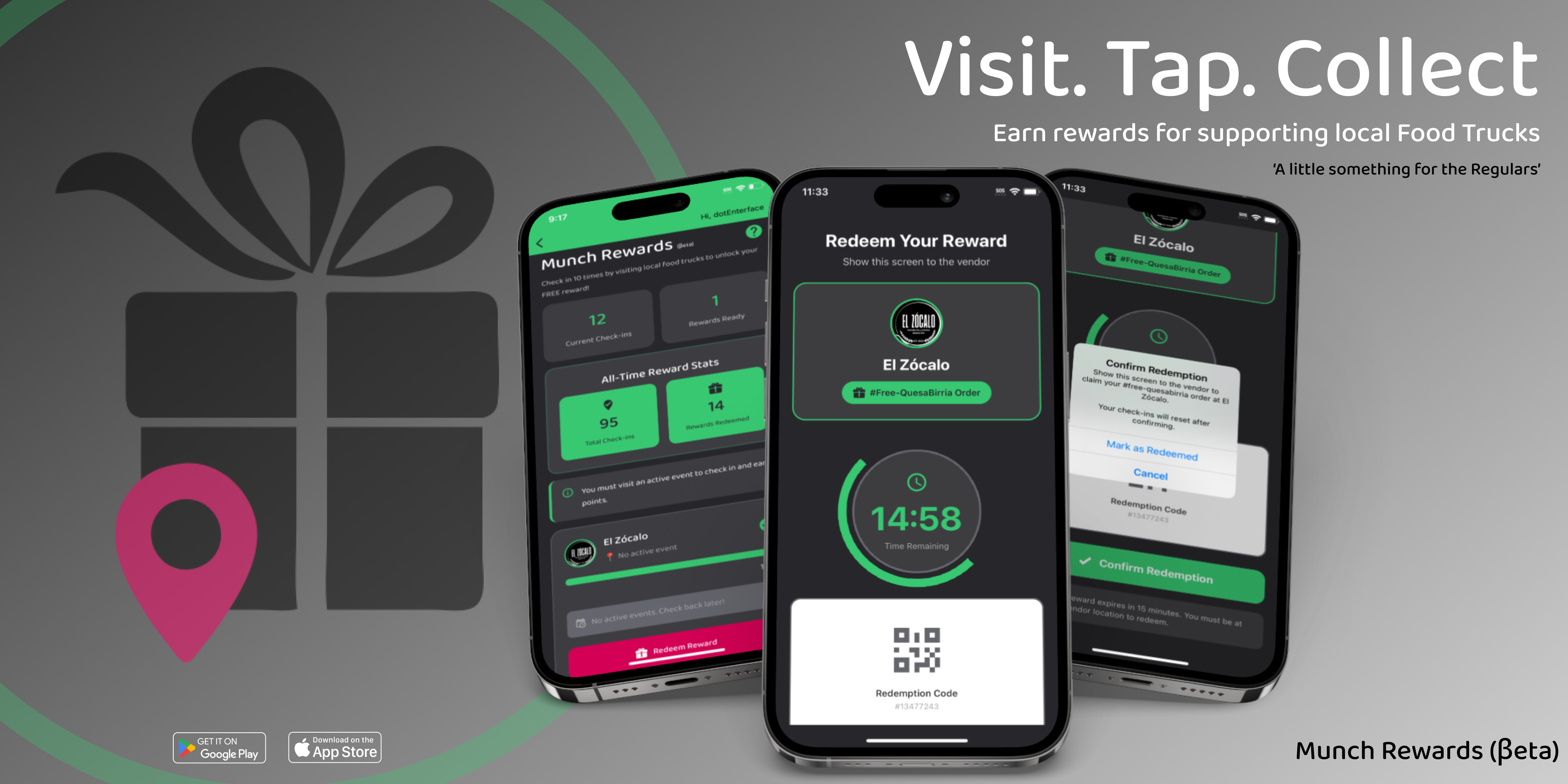
Welcome to mobile Munch Rewards!
Earn free food by checking in at your favorite food truck events! This guide explains how the rewards program works for both users and vendors.
For Users
What is the Rewards Program?
The mobile Munch Rewards Program lets you earn punches by visiting participating food trucks at their events. Collect 6 verified visits with a vendor and redeem a free reward!
How It Works
Step 1: Find Participating Vendors
-
Open the My Rewards screen from the app navigation
-
View all participating vendors in the Rewards Program
-
Each vendor card displays:
- Vendor name and logo
- Current punch card progress (e.g., 4/6)
- Active event information (if available)
- A Digital Punch Card showing earned visits
Step 2: Earn Punches with the Digital Punch Card
Instead of a traditional progress bar, mobile Munch uses a Digital Punch Card system.
- Each participating vendor has a punch card containing 6 punch slots
- Every successful check-in fills one slot with the vendor's logo
- A subtle animation confirms each successful punch
- Complete all 6 punches to unlock a reward
The Digital Punch Card provides a visual representation of your progress and resets after a successful reward redemption.
Step 3: Attend Active Events
Important: You can only check in when a vendor has an active event!
- Look for vendors showing "Active Now!"
- Vendors without active events will show "No active events. Check back later!"
- Check the event banner on each vendor card for details
- Events are tied to specific locations and times
Step 4: Enable Location Services
Before checking in, you'll need to grant location permissions.
Why? Location verification ensures you're physically attending the event, preventing fraud and maintaining fairness for all users.
How to Enable:
- iOS: Settings → mobile Munch → Location → While Using the App
- Android: Settings → Apps → mobile Munch → Permissions → Location
Step 5: Check In at Events
When you arrive at an active event:
- Tap the "Check In" button on the vendor card
- The app verifies you're within proximity of the event location
- If successful, you'll see: "Check-In Successful!" ✅
- One punch is added to your Digital Punch Card immediately
Check-In Rules:
- ✅ Must be at an active event
- ✅ Must be within proximity of the event location
- ✅ Can only check in once per 24 hours per vendor
- ✅ Each successful visit earns one punch
- ✅ Events are tied to specific locations and times
What if I'm too far away?
- You'll see: "Too Far Away - You must be at an active event to check in"
- Move closer to the vendor's location and try again
- Verify you're attending the correct event location
What if I already checked in recently?
- You'll see: "Already Checked In - You've already checked in recently. Check back for a future event!"
- Wait 24 hours before checking in again with that vendor
Step 6: Track Your Progress
Monitor your rewards journey directly from the vendor card.
Digital Punch Card
- Each successful check-in fills one punch slot
- Vendor logos appear in completed slots
- Progress updates immediately after each successful visit
- Complete all 6 punches to unlock a reward
Examples:
- 1/6 Visits Completed
- 3/6 Visits Completed
- 5/6 Visits Completed
- 6/6 Visits Completed — Reward Ready! 🎉
All-Time Statistics
You can also track:
- Total check-ins across all vendors
- Total rewards redeemed
- Overall rewards activity
Step 7: Redeem Your Reward
Once you reach 6 completed visits with a vendor:
- The "Check In" button changes to "Redeem Reward"
- Tap "Redeem Reward"
- You must be attending an active event
- You must be within proximity of the event location
- Confirm the redemption
What Happens Next:
- A 15-minute countdown timer starts
- You're taken to the redemption screen
- Show the screen to the vendor
- Receive your reward
Step 8: Use Your Reward (15-Minute Timer)
The redemption screen displays:
- Countdown Timer: 15:00 → 0:00
- Vendor Information: Name, logo, and event details
- Redemption Status: Active reward information
Timer Colors
- 🟢 Green: More than 5 minutes remaining
- 🟠 Orange: Between 2 and 5 minutes remaining
- 🔴 Red: Less than 2 minutes remaining
To Complete Redemption:
- Show the screen to the vendor
- Tap "Mark as Redeemed" after receiving your reward
- Your Digital Punch Card resets to 0/6
- Begin earning punches again
If Timer Expires:
- Redemption automatically expires at 0:00
- Your punch card resets
- You'll need to earn 6 new visits
- No penalties — simply start a new reward cycle
Active Redemption Indicator
If you leave the screen, you'll see:
Active Redemption: X:XX Remaining
Tap "Continue Redemption" to return to the redemption screen.
Only one active redemption per vendor at a time.
By participating in the mobile Munch Rewards program, you acknowledge that you have read, understood, and agree to these terms and conditions. Thank you for being part of our beta launch – we're excited to bring you free food from your favorite vendors!